AirDrop for every device: send files between Windows, Android, iPhone and Mac with no cloud
LocalSend moves photos, videos and documents straight across your own Wi-Fi, from any phone or computer to any other. No account, no upload to anyone's server, full-quality originals, and nothing lands on your device until you press Accept.
- The settings that stop strangers on the same Wi-Fi sending you things
- A Windows PC (Mac and Linux work too) and a phone or a second computer
- Both devices on the same Wi-Fi, ideally at home. Guest and office networks often block this (step 6 explains)
- About 90MB of free disk space on the PC
Get LocalSend on your PC
LocalSend is one free app. The portable version runs from a single folder and leaves nothing behind when you delete it.
The quickest way on Windows is one command:
Windowswinget install --id LocalSend.LocalSend -eMac (Homebrew), or get it from the Mac App Storebrew install --cask localsendOn Linux, get it from Flathub, Snap or the other options on the LocalSend download list ↗.
Prefer no installer?Open the official releases page ↗, scroll to Assets and download the file ending
windows-x86-64.zip(about 26MB). Right-click it, choose Extract All, and runlocalsend_app.exefrom the folder. The zip includes an emptysettings.jsonnext to the app, which tells LocalSend to keep all its settings in that folder (the README calls this portable mode), so deleting the folder removes it completely.TipCheck it's the real thing: the releases page lists a SHA-256 fingerprint next to each download, and Windows showslocalsend_app.exeas signed by its developer, Tien Do Nam (right-click it, Properties, Digital Signatures).TipThe portable zip keeps everything in its own folder, so it runs from a USB stick on any Windows PC with nothing to install. Useful for moving files on a machine you can't change.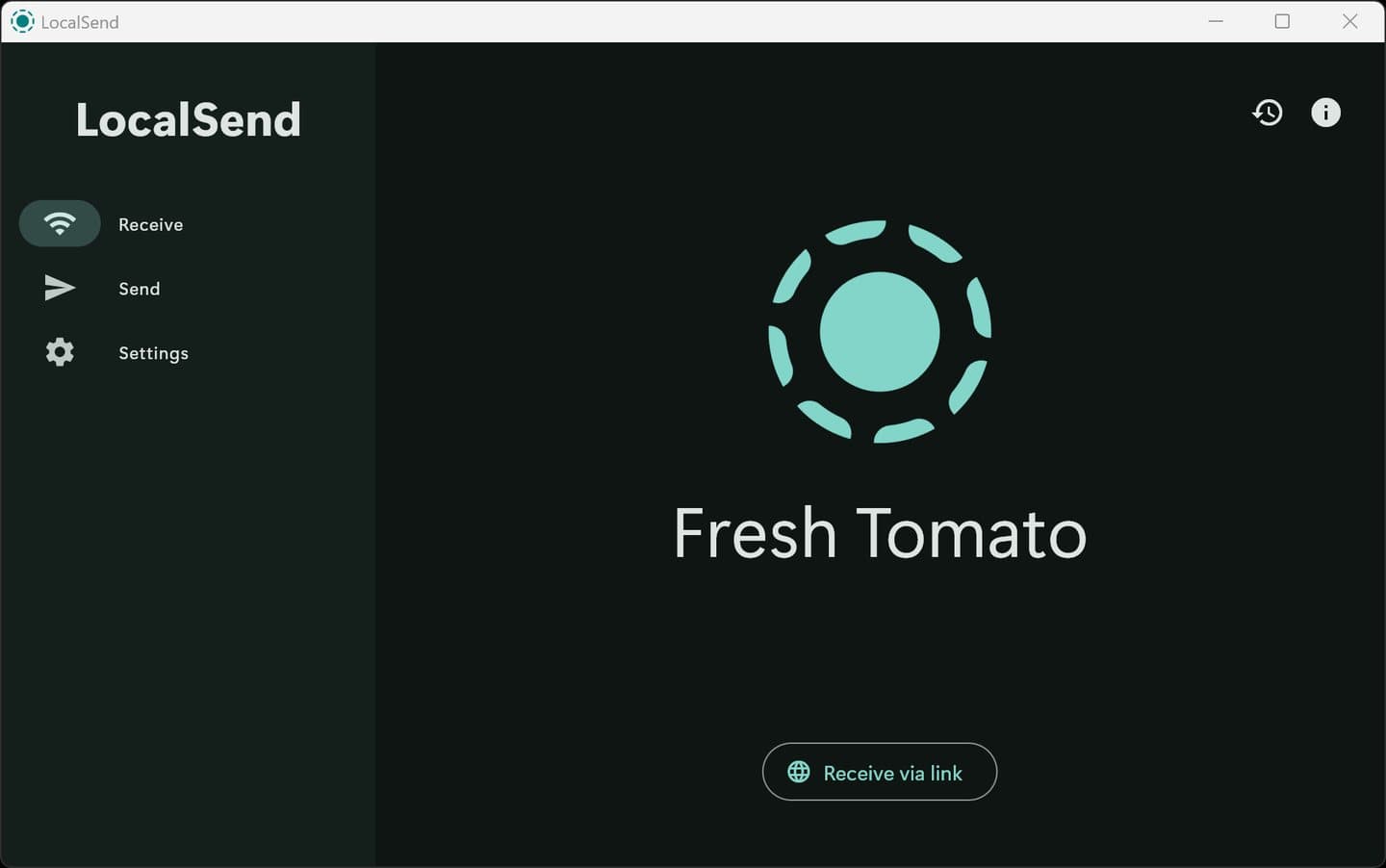
LocalSend's Receive screen. Fresh Tomato is the random name it gave itself. Other devices see that name, so you know which one is you. CarefulThe first time it opens, Windows Security may ask whether LocalSend can use networks. Click Allow. If the box has tick boxes, tick Private networks only. Without this, your PC can still send, but your phone can't send to it.